Key takeaways
- GA4 no longer tracks the full conversion path for each order, while TrackAd shows every source from first interaction to conversion.
- TrackAd offers several attribution models, including first click, participation, linear and custom deduplication, or a model of your own.
- Connecting CRM and business data lets TrackAd account for cancellations, order changes and returns that GA4 ignores.
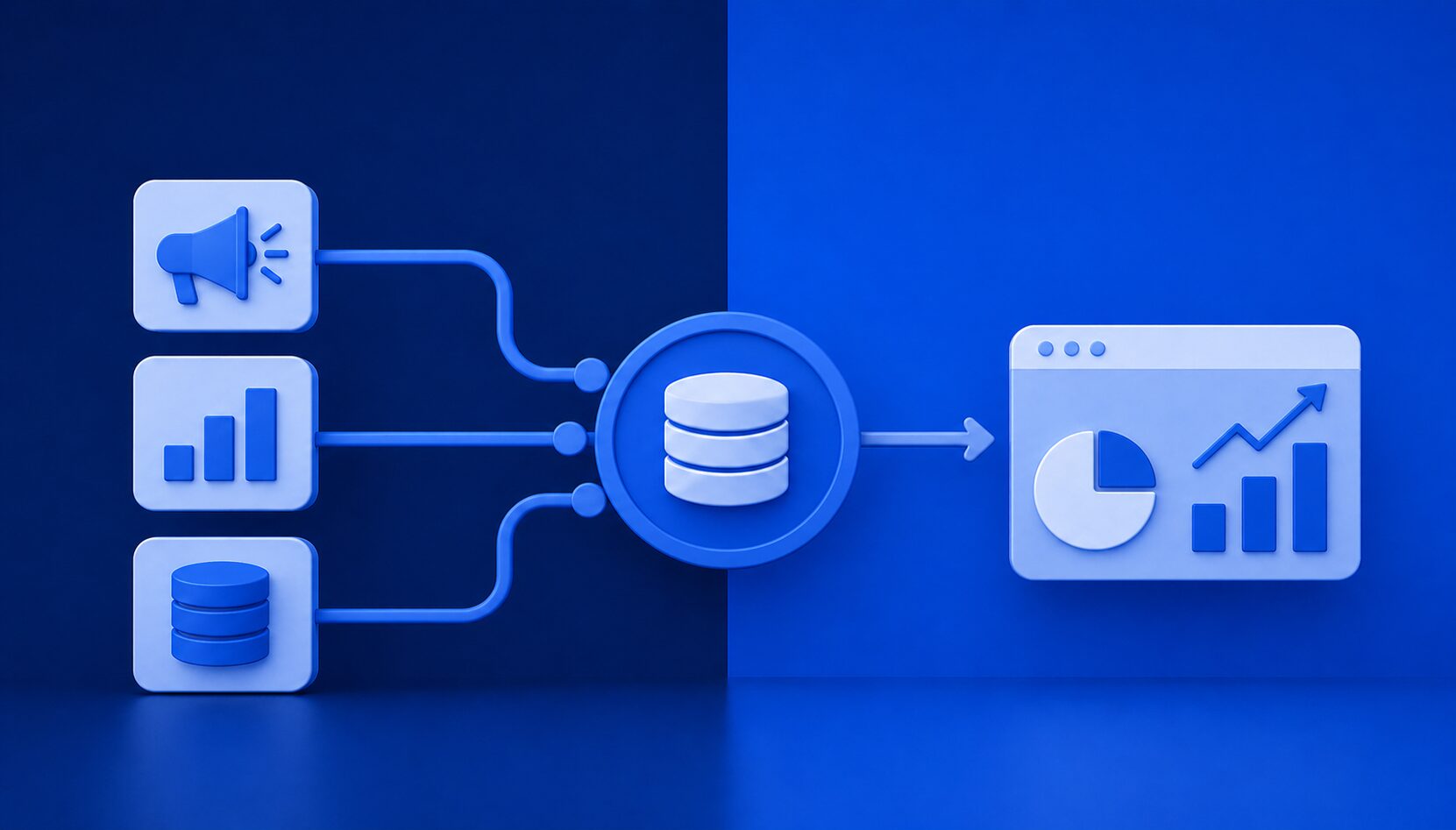
- TrackAd automatically collects costs, clicks, impressions, reach and post-click and post-view conversions from major ad platforms, including walled gardens.
- TrackAd analyzes 100% of the data without sampling, with automatic downloads every three hours.
In short
TrackAd complements GA4 by filling its main gaps: it restores the full conversion path, offers customizable algorithmic attribution, integrates CRM data such as cancellations and returns, and collects ad platform data including post-view conversions. It also removes sampling, detects fraud and automates reports and alerts, giving advertisers more precise and complete insight into campaign performance.
Google Analytics 4 (GA4) has marked a significant step in online marketing data analysis, notably thanks to its user-centric, cross-platform behavior tracking. However, despite GA4’s advances, its limitations in terms of data precision and deep analytical functionalities can hinder advertisers seeking to maximize their campaign effectiveness. TrackAd emerges as an ideal complementary solution to optimize GA4 data utilization and go further in analyzing marketing performance.
1.Comprehensive customer journey management: Retrieve the conversion path
GA4 no longer allows full tracking of the conversion path for each order, unlike its predecessor Google Analytics Universal. Additionally, the new session logic can result in loss of information on incoming traffic sources when UTMs are ignored during an active session. This particularly affects sources like coupons, cashback, or retargeting, which often play a crucial role in conversion. TrackAd fills this gap by providing a detailed view of the user journey from the first interaction to the final conversion. TrackAd ensures precise session attribution and allows you to track all sources that contributed to the conversion.
2. Algorithmic attribution and custom deduplication
GA4 relies on a single model for attribution, limiting the ability to properly analyze the contribution of different sources. This can distort the understanding of channel performance, especially those involved at the start of the customer journey, like display or awareness campaigns. TrackAd offers personalized algorithmic attribution, with the ability to choose from different models (first click, participation, linear, custom deduplication) or create your own model. This flexibility allows advertisers to understand the real contribution of each source and make more informed decisions about advertising budget allocation.
3. Integration of business and CRM data
GA4 does not offer native integration with commercial or CRM data, which can limit post-conversion analysis. For example, GA4 does not account for order cancellations or returns, which can skew metrics like revenue or cost per conversion. With TrackAd, you can connect your CRM and integrate business data, such as cancellations, order modifications, or product returns. This ensures accurate data for ROI and KPI analysis, while providing a more realistic view of your campaign performance. TrackAd ensures you make decisions with 100% of your orders.
4. Automated data collection from traffic sources and post-view conversions
One of TrackAd’s major strengths is its ability to automate data collection from various traffic sources. GA4, while efficient at capturing web and app data, does not offer seamless integration with certain media platforms, particularly walled gardens like Facebook, Google Campaign Manager, or YouTube. This can complicate post-view conversion tracking and ROI analysis on these channels. TrackAd enables centralized data collection from major ad platforms, including investments, clicks, post-click and post-view conversions, as well as impressions and reach. This automated collection simplifies tracking of marketing costs and key KPIs such as ROI, CPO (Cost per Order), or COS (Cost of Sales). By aggregating this data, advertisers benefit from a precise and real-time overview of campaign performance across all channels, including closed environments.
5. Elimination of sampling and report accuracy
GA4 uses data sampling for long periods or high volumes of traffic, which can result in loss of precision in analytical reports. Due to this method, some advertisers notice discrepancies in their statistics when the data volume is too large. TrackAd eliminates this issue by collecting and analyzing 100% of the data, regardless of the selected period. With automatic downloads every three hours, advertisers can obtain accurate, unsampled reports and enjoy a full and reliable view of their performance, even over long periods.
6. Fraud control and management of advertising channels
While GA4 primarily focuses on user behavior analysis, TrackAd offers advanced management of acquisition campaigns and affiliate programs. In addition to tracking performance, TrackAd enables detection and prevention of fraudulent activities on advertising channels, especially in affiliate programs where fraud can skew results and lead to misallocation of budgets.
With TrackAd, advertisers have tools to monitor in real-time key performance indicators such as ARPU (Average Revenue per User) or LTV (Lifetime Value of a Customer), allowing them to optimize acquisition campaigns while reducing fraud risks.
7. Automation of reports, KPI alerts, and integration with external tools
TrackAd not only provides detailed analytical reports; it also offers full automation of reports in Excel, PDF, and PowerPoint formats. This allows advertisers to receive regular updates without having to manually configure each report. Custom alerts on over 70 KPIs also facilitate proactive monitoring of marketing performance, sending real-time notifications in case of anomalies or critical threshold breaches.
In addition to its internal capabilities, TrackAd seamlessly connects with external tools. Thanks to its official connector with Looker Studio (formerly Google Data Studio), it’s possible to create visual dashboards by directly integrating TrackAd data. Moreover, TrackAd’s open Rest API allows users to automatically retrieve data and integrate it into tools like Google Sheets and Excel, simplifying workflow automation and data analysis in custom environments.
Conclusion
For Google Analytics 4 users, integrating TrackAd is a strategic step to make the most of your marketing data. TrackAd overcomes GA4’s limitations by offering advanced features such as custom attribution, CRM data integration, automated traffic source data collection, and the elimination of sampling. By adding TrackAd to your analytics suite, you gain more precise insights, greater control over your campaigns, and better returns on your advertising investments.
TrackAd and GA4 in 6 questions
What are the main limitations of Google Analytics 4 for advertisers?
GA4 no longer allows full tracking of the conversion path for each order and relies on a single attribution model. It has no native integration with CRM data, uses sampling on long periods or high traffic volumes, and integrates poorly with some walled gardens. These gaps can limit precision when analyzing campaign performance.
Why does GA4 lose some traffic sources such as coupons or cashback?
GA4's session logic can ignore UTMs during an active session, so information on incoming traffic sources is lost. This particularly affects coupons, cashback or retargeting, which often play a key role in conversion. TrackAd tracks all sources that contributed to the conversion.
Can TrackAd take order cancellations and returns into account?
Yes, TrackAd can connect to your CRM and integrate business data such as cancellations, order modifications and product returns. GA4 does not account for these events, which can skew revenue or cost per conversion. With TrackAd, ROI and KPI analyses are based on 100% of your orders.
Does TrackAd use data sampling like GA4?
No, TrackAd collects and analyzes 100% of the data, whatever the selected period. Automatic downloads every three hours provide accurate, unsampled reports, even over long periods.
How does TrackAd help fight affiliate fraud?
TrackAd detects and helps prevent fraudulent activities on advertising channels, especially in affiliate programs where fraud can skew results and budget allocation. It also lets advertisers monitor indicators such as ARPU and LTV in real time to optimize acquisition campaigns.
Which reporting and integration options does TrackAd offer?
TrackAd automates reports in Excel, PDF and PowerPoint formats and sends custom alerts on over 70 KPIs. It has an official connector with Looker Studio for visual dashboards. Its open REST API lets users retrieve data automatically into tools like Google Sheets and Excel.